DupScout provides the ability to search specific types of duplicate files using an extensive set of file matching rules.
For example, the user may search all types of duplicate images with the file size more than 10 MB that were modified during the last month.
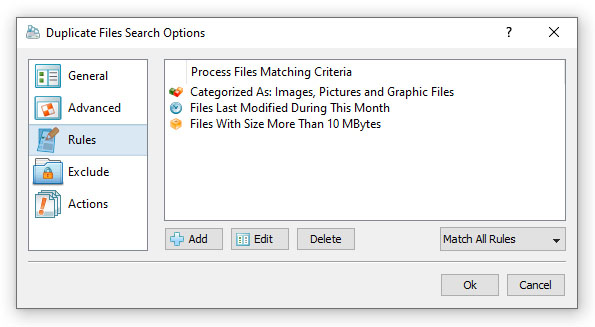
In order to add one or more file matching rules, open the duplicate files search options dialog, select the 'Rules' tab and press the 'Add'
button. On the 'Rules' dialog select an appropriate file matching rule type and specify all the required parameters.
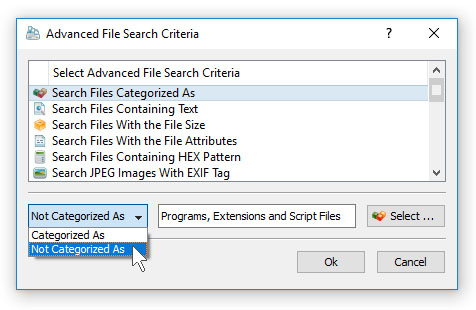
During the duplicate files search process, DupScout will apply the specified file matching rules to all existing files and filter files
matching the rules. Files not matching the specified rules will be skipped from the duplicate files search process and the resulting
list of duplicate files will contain user-selected files only.


